
Alpha / Tool reference
Sattari Studio: Formats, Privacy & Limits
A browser-based StemDeck workspace for four-deck mixing, audio and instrument arrangements, live input, and exports.
Open Sattari Studio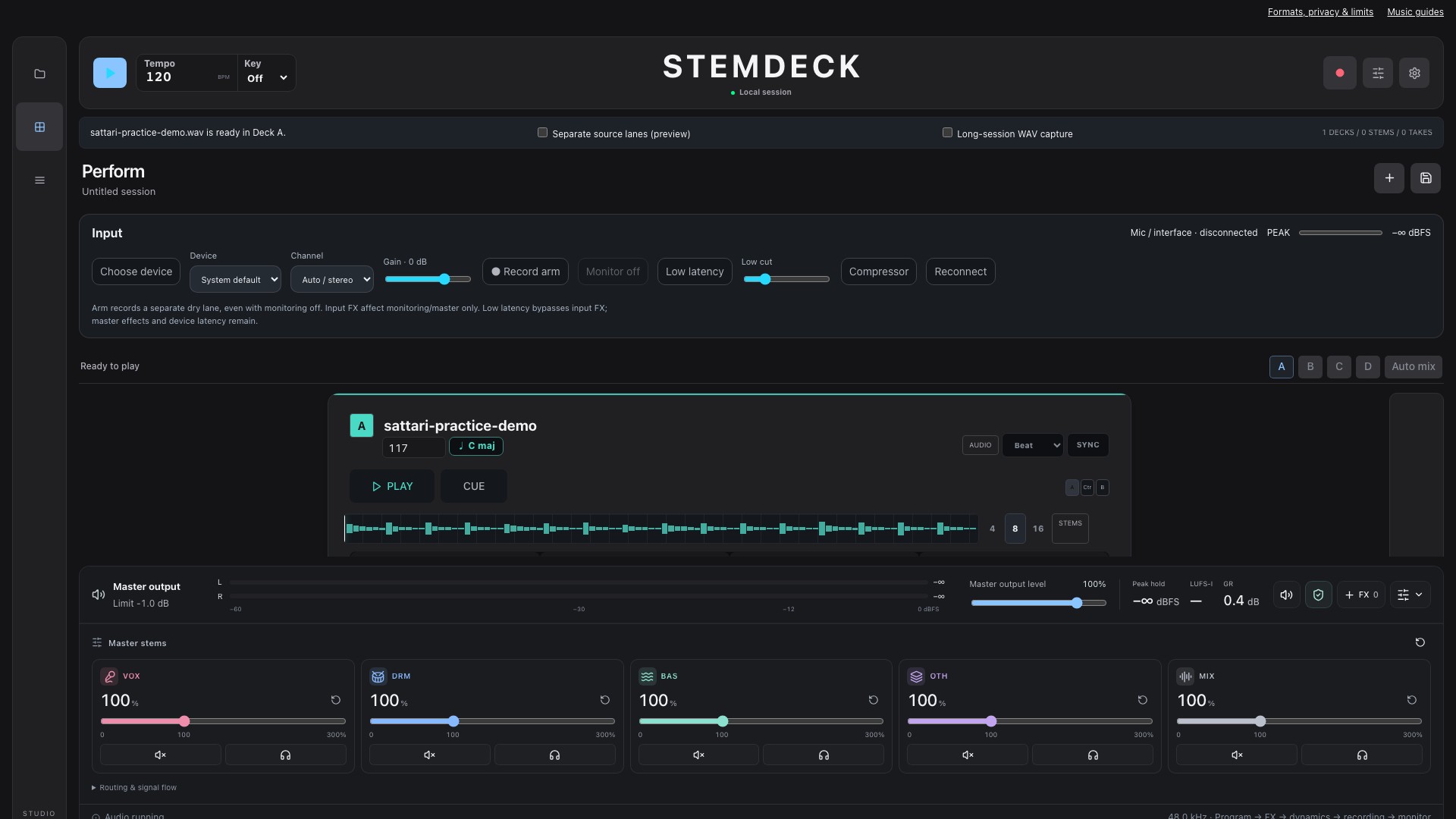
- Input
- Local audio files supported by your browser decoder. PCM WAV is the simplest interchange option. Import stem files into lanes; use the separate Stem Separator for AI extraction.
- Output
- Arrangement WAV exports, recordings and downloadable project backups. Recording containers depend on browser MediaRecorder support; they are not always WAV.
- Browser
- JavaScript, Web Audio and local browser storage required. Use a current desktop browser for the full workspace. Microphone access requires HTTPS and permission; Web MIDI and audio-output selection are not available in every browser.
- Privacy
- Imported audio and project assets are processed locally. Sessions and the music library use storage in this browser, not a cloud account.
- Price
- The current alpha workspace is free to use without a paid account. No subscription or export payment is required by this build.
- Storage
- Local saves are device-, browser- and site-specific. Clearing site data or using private browsing can lose them. Download portable project backups and verify important exports.
- Limitations
- This is a browser port, not a guarantee of native StemDeck feature parity. It does not host arbitrary VST/AU plugins or provide cloud collaboration. Long sessions depend on memory, available storage and device performance.
- Musical estimates
- Tempo and key analysis are estimates. Generated instrument templates are not audio-to-MIDI transcription. Listen and check timing before relying on automatic synchronization.
Try the same audio
An original eight-second synthesized A minor groove at 120 BPM: bass, chords and percussion, with no vocals. Free to download and use for practice. This is a workflow demonstration, not a commercial-song benchmark.
Download demo WAV- Download the original demo below and import it into an empty deck.
- Start playback, adjust a channel level, and stop. Use the Arrange workspace to build a short arrangement.
- Export a short WAV and listen back. Save a project backup before clearing browser data.
Your browser and your files
Start with a short file and verify a small export before a long session. Browser storage is not a backup. No all-device performance guarantee is implied by these screenshots.
Audio privacy and measurement choices