
Practice
Bass isolation & bassless backing tracks for practice
Separate the bass and drums, learn a short phrase by ear, and compare it with the full mix. Then mute the bass and play over the remaining stems. Use Studio to align the stems and build your practice backing track.
Open Sattari Studio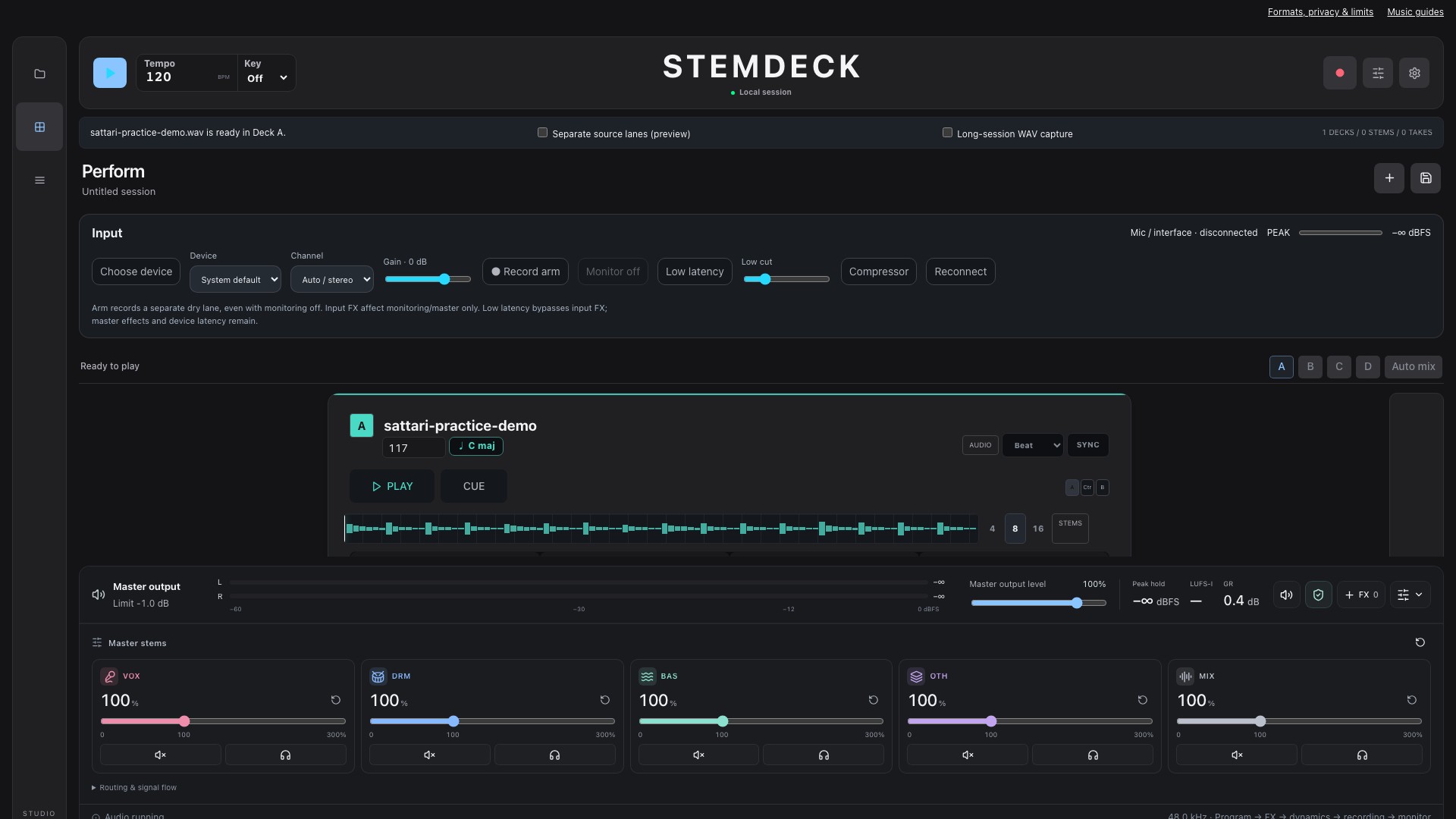
Bass isolation versus bass removal
To isolate bass, select Bass and download that estimated WAV stem. To remove bass for practice, keep Vocals, Drums and Instruments instead. Instruments does not include the Bass output, even though a bass is an instrument.
For a bassless backing track, import those three remaining WAVs into separate arrangement lanes in Studio or your audio editor. Keep the same start position, preview their combined level, and export the mix. Downloading a ZIP only packages the separate stems. Some bass can remain in other groups, and low guitar or keyboard notes can appear in the Bass estimate.
The Bass stem is an audio reference, not bass tablature or a note-by-note transcription. Compare a phrase with the full song before deciding which notes or articulations to copy.
Prepare one musical phrase
Choose a recording you have permission to use. In Stem Separator, export all four parts. The Bass stem is your reference; Drums, Vocals and Instruments can become the backing track you play against. Start with a short, repeated phrase rather than the entire song.
Listen to the bass in the full mix first, then in isolation. Count where notes begin and end. A convincing bass part depends on note length, rests and its relationship with the kick as much as the pitches.
A focused 15-minute session
- Minutes 0-3: listen and count. Clap or tap the bass rhythm without playing pitches. Identify the first beat of the phrase.
- Minutes 3-7: find the notes slowly by ear. Work on one or two bars. Compare each sustained note with the isolated bass, checking the octave as well as the note name.
- Minutes 7-11: play with bass and drums together. Match the starts, rests and releases. Repeat the phrase until those details are consistent.
- Minutes 11-15: mute the reference bass. Play against drums and the other stems, then listen back to the reference and note one thing to improve next time.
Build a backing track in Studio
Import the separated stems into Studio and align their starts. Keep the bass available as a reference, then mute it when you are ready to play the part yourself.
Work on a short phrase you can repeat comfortably. Compare the isolated bass with the full mix: separation can soften attacks or leave sounds from other instruments.
Listen for timing and note length
Count the beat before playing. Listen for where each note starts, how long it lasts, and the silence before the next note. Repeat slowly until those details feel consistent.
Record a short take with your preferred recorder and compare it with the reference. Choose one detail to improve on the next pass. Sattari Learn currently focuses on guided guitar practice; this bass workflow uses your ears and the isolated stems.
Hear the actual separated results
An original eight-second synthesized groove in A minor at 120 BPM, with no vocals. The bass and drums below are unedited HTDemucs estimates, not the clean synthesis sources. Listen for leakage, the start of each note and how long it rings out. This short example demonstrates the workflow, not the quality you can expect from every song.
Original mix
Download original mix WAVBass estimate
Download bass estimate WAVDrum estimate
Download drum estimate WAVCount four steady beats, then try matching the bass note lengths. Import these WAVs into Sattari Studio to hear them together, or separate your own recording.