
Drum practice
Make drumless tracks for drum practice
Separate all four stems. Use Drums as your listening reference, then combine Vocals, Bass and Instruments with aligned starts for an estimated drumless backing track. Play the part yourself and compare your timing with the original drummer.
Separate a drum practice track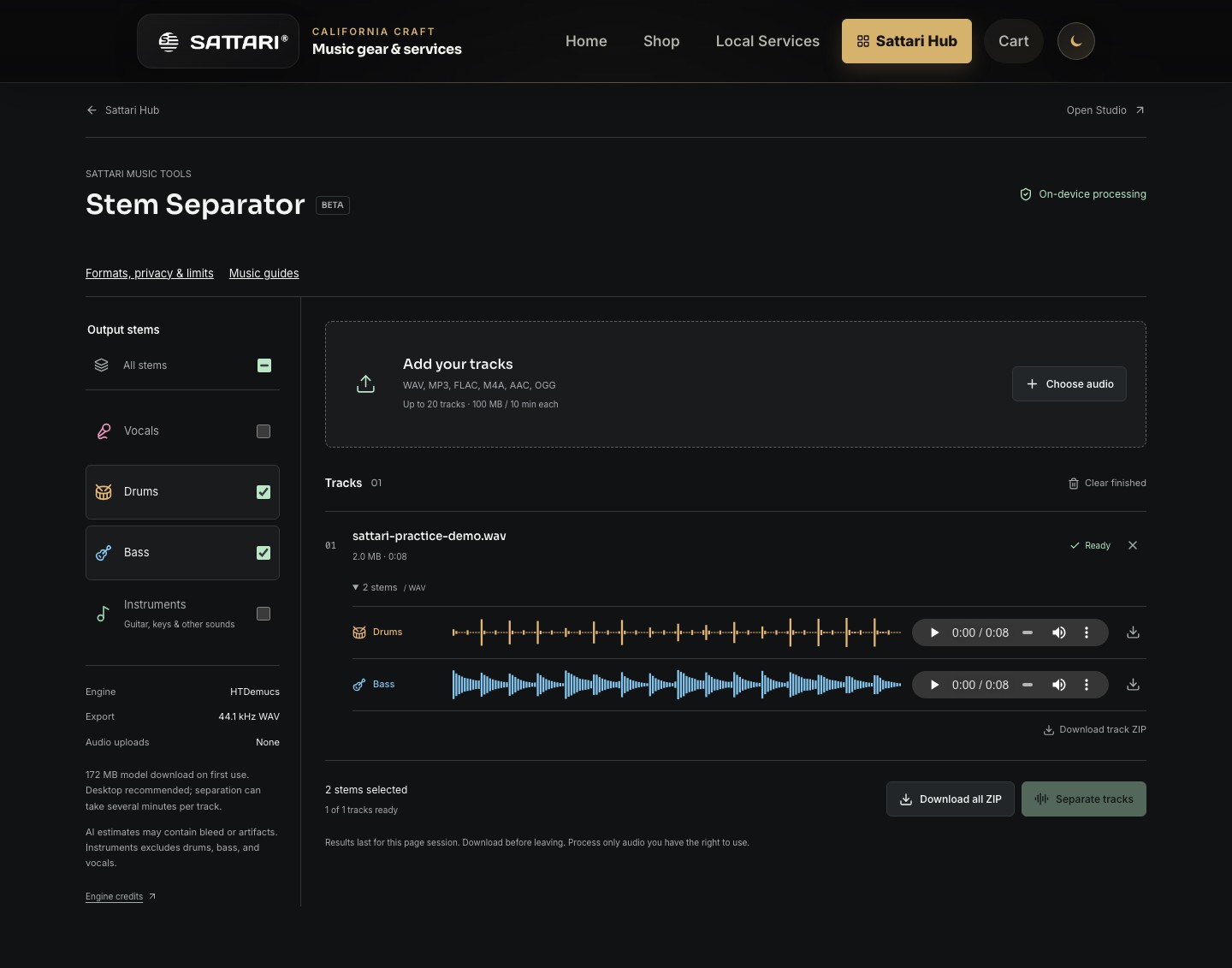
Hear the drummer, then become the drummer
Listen to the complete song first. Notice the pulse, where the backbeat lands, and how the drummer changes between sections. Then solo the Drums stem to hear details that are easy to miss under vocals or guitars. Keep the original nearby: an isolation artifact can sound like a note that was never played.
The Drums output is one combined estimate. It does not provide separate kick, snare, hi-hat or cymbal tracks. Other percussion may also appear in it, and some drum sound can leak into the remaining stems.
Make the backing track
- Upload a recording you have permission to use and select All stems. Separate the track and download the four WAV outputs before leaving the page.
- Import Vocals, Bass and Instruments into separate Studio arrangement lanes. Line up the starts exactly. Do not trim silence from only one file, because the parts can drift out of alignment.
- Keep the Drums file available as a reference, but mute it when playing your own part. Preview the combined backing and check levels before exporting.
- Choose a short section and listen for an unmistakable entry point. The separator does not automatically add a spoken count-in or click track.
A 12-minute rehearsal
- Minutes 0-3: count the pulse and tap the main rhythm while listening. Identify the phrase ending and the first beat of the next phrase.
- Minutes 3-6: play a simple groove with the isolated bass and the rest of the band. Keep the pulse steady before copying every fill.
- Minutes 6-9: practice one transition. Play through the last bar of the verse and the first bar of the chorus without stopping.
- Minutes 9-12: play against the drumless mix. Compare one detail with the reference, such as a cymbal accent, a rest or the placement of the backbeat.
Let the song decide the tempo
Use the estimated BPM as a starting point and count along to check it. A busy drum pattern may produce a double-time estimate; a sparse groove may suggest half-time. That disagreement does not necessarily mean the audio is playing at a different speed.
A song recorded without a click can change tempo. One BPM number will not describe every bar. Practice listening to the band and returning from fills in time rather than forcing the entire recording to match an uncertain estimate.