
Backing tracks
Remove vocals from a song for karaoke
To make an estimated karaoke backing track, select Drums, Bass and Instruments in Sattari Stem Separator. Download those three WAV files and align their starts in Studio. Instruments alone is not the full backing track: it leaves out bass and drums.
Open vocal remover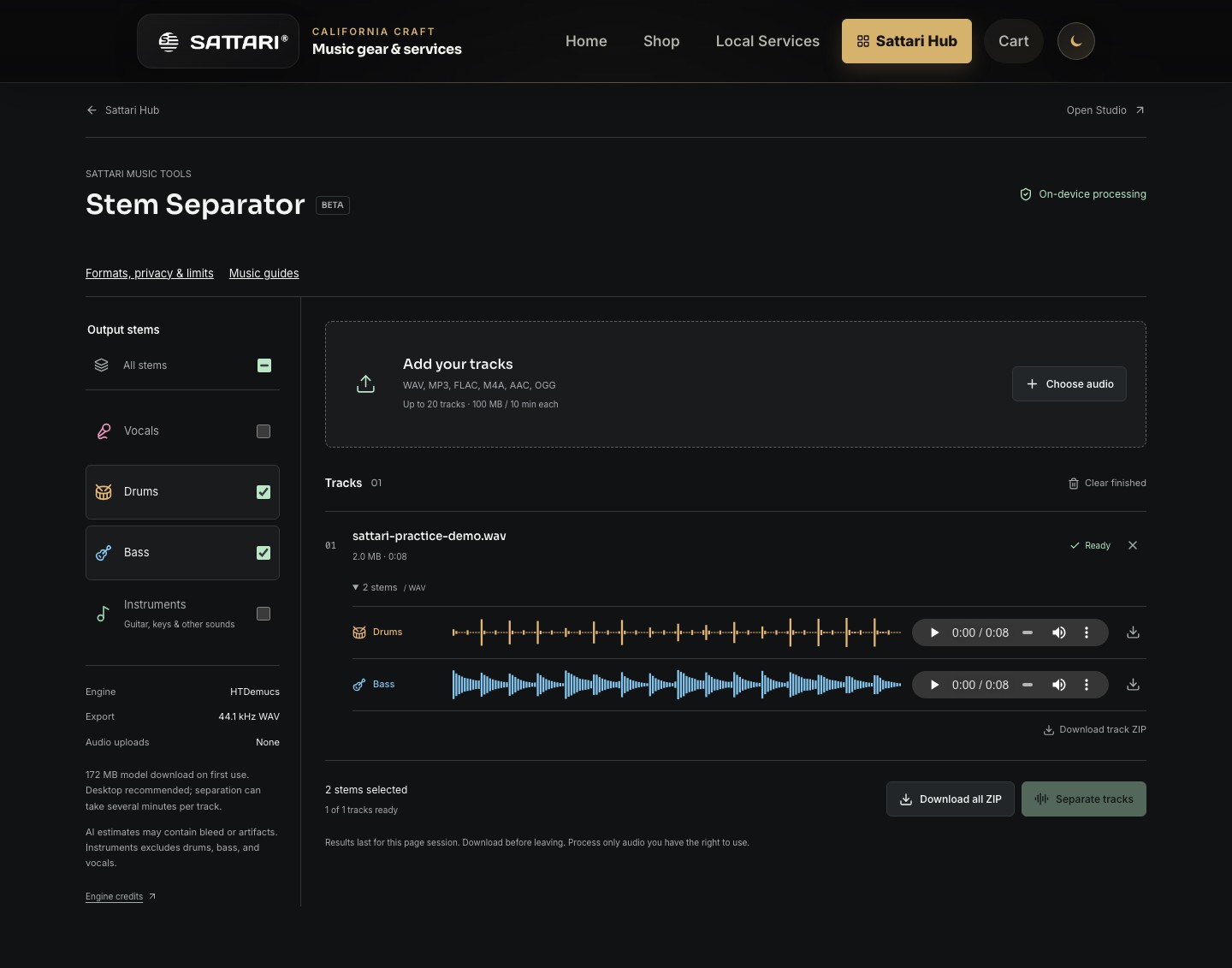
Keep the band. Take the lead.
A vocal-free backing track gives you room to rehearse a melody, test harmonies or prepare a performance. Start with an audio file you own or have permission to process. Use a clean source rather than a phone recording of a speaker; distortion and room sound make separation harder.
Sattari accepts audio files, not YouTube or streaming-service links. WAV, MP3, FLAC, M4A, AAC and OGG decoding depends on your browser. If your file will not open, export it as PCM WAV in your audio software instead of changing its filename extension.
Build your non-vocal mix
- Add the song to Stem Separator. Choose Drums, Bass and Instruments. Also choose Vocals if you want an isolated singing reference for rehearsal.
- Run separation and preview the results. Listen through a verse and chorus, especially reverb tails and passages with backing singers.
- Download the three backing stems as WAV files. The track ZIP packages separate files; it does not automatically mix them into one karaoke file.
- Import the WAV files into separate arrangement lanes in Sattari Studio. Align their starts at the same position, leave the vocal out, and listen for clipping before exporting your mix.
Want an acapella instead?
Select Vocals to retain the estimated vocal stem. This is useful for hearing phrasing, breaths and lyric timing in context. It is not guaranteed to separate a lead singer from backing vocals, and some instruments or reverb may remain audible.
Selecting only Vocals saves result memory, but the model still computes its four source groups internally. A smaller output selection is not a promise of faster processing.
What a vocal remover does not do
Sattari estimates parts from a finished recording; it does not recover the original studio multitracks. Vocal bleed, missing harmonics and watery artifacts can remain. Compare against the original and keep a reference copy before editing.
Stem Separator does not generate synchronized lyrics or automatically change a song to your singing key. These downloads are practice and production ingredients, not a complete karaoke player. Separation also does not grant permission to publish, distribute or perform someone else's recording.